
Every day, you answer the same questions on WhatsApp: What do you sell? How much does it cost? Where do you operate? How can someone place an order? Meanwhile, some people visit your profile, can’t find that information, and leave without getting in touch.
A website can bring those answers together, present your offer, and make it easier for potential customers to contact you. For it to contribute to your business, you also need a clear offer, a way to attract visitors, and time to respond to inquiries.
You don’t have to start with an online store or a website packed with features. First, you need to define what you want to achieve.
Does Your Business Need a Website Now?
A website makes sense when it helps you address a specific need: explaining your services, organizing a catalog, receiving quote requests, or simplifying order management.
It can also help someone who has received a recommendation find information about your business before getting in touch.
When a Website Can Help You Attract or Serve Customers
Imagine you offer photography services in Lima. Someone visits your profile, likes your photos, and wants to know whether you cover events in their district, what your service includes, and how to request a quote.
If they find those answers on a clear website, they can make a more informed decision and contact you with the details you need to help them. The website doesn’t close the sale by itself, but it can make the next step easier.
A website can also help if:
- You frequently receive the same questions about products, prices, or terms.
- You need to showcase previous work or explain how you provide a service.
- You want to share an organized catalog without sending many separate images.
- You want your social media, referrals, or campaigns to lead people to a specific offer.
- You want to receive inquiries with enough information to respond.
When to Start by Validating Your Offer
If you’re still unsure what you’ll sell, who you’ll sell it to, or what problem you’ll solve, a complex website won’t answer those questions for you.
Before investing, talk to potential customers, present your offer, and pay attention to their questions. If you sell products, you can start with a small selection. If you offer services, try explaining a specific proposal and inviting inquiries.
A simple page can be useful at this stage, but you don’t need to add a shopping cart, integrations, or multiple sections before you know whether you’ll use them.
How Your Website, Social Media, and WhatsApp Work Together

Your channels can play different roles depending on how your customers buy.
For example, someone might discover your products on Instagram, follow a link to your catalog to check prices and terms, and then contact you on WhatsApp to confirm an order. Another person might hear about you through a recommendation and search directly for your business name.
Your website gives you a place to organize information; social media lets you share updates and interact; and WhatsApp can help you answer questions and coordinate a sale. Not every customer will use all three channels.
Quick assessment
Answer these five questions:
- Can I clearly explain what I sell and who it’s for?
- Do I receive questions that I could answer on a website?
- Do I know what I want someone to do after visiting it?
- Do I have a channel where I can share it?
- Will I be able to respond to the inquiries or orders I receive?
If you’re still defining your offer, start by validating it. If your answers are clear and you have a specific need, you can consider a simple first website. If you already handle frequent orders and the manual process takes up a lot of time, you may want to explore a catalog or an online store.
What Kind of Website Does Your Business Need?
Choose the type of website based on what you need the customer to do and the work you can take on after it goes live.
| Goal | Starting option | Work involved |
|---|---|---|
| Explain an offer and receive inquiries | A simple page or services website | Prepare clear information, keep it updated, and respond to messages. |
| Display products and make ordering easier | Digital catalog | Organize products, prices, and availability; handle orders and changes. |
| Manage online purchases | Online store | Maintain inventory, payments, deliveries, customer service, and after-sales support. |
A Simple Page or Services Website
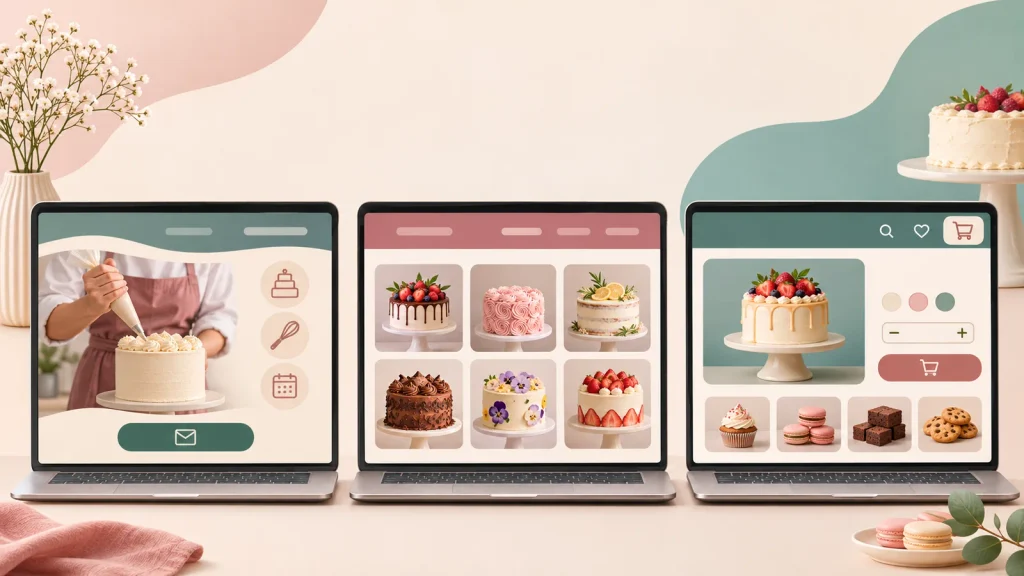
A simple page can bring together everything needed to present an offer: what you do, who you help, how you work, and how to contact you.
For example, a private tutor could explain the subjects they teach, the format, available schedules, and how to request information. They don’t need a shopping cart if their goal is to receive inquiries.
If you offer several services that need more explanation, you can create a page for each one. The important thing is that visitors can find what they need without having to guess what to do next.
Digital Catalog
A catalog helps you present products in an organized way. It can include photos, descriptions, prices or starting prices, and ordering conditions.
It doesn’t have to process payments. A gift shop, for example, could display its options and direct customers to WhatsApp to confirm availability, personalization, and delivery.
If you choose this option, try to keep products and terms up to date. A catalog with outdated prices or availability can lead to inquiries that are difficult to handle.
Online Store
An online store allows you to organize an online purchasing process that may include product selection, payment, and order registration.
It’s worth considering when that process meets a business need and you can handle what happens afterward: confirming payments, updating inventory, coordinating deliveries, and resolving problems.
Before choosing one, consider whether you need customers to pay directly on your website or whether, for now, a catalog with a contact option meets your goal with less work.
What Should a Useful First Version Include?
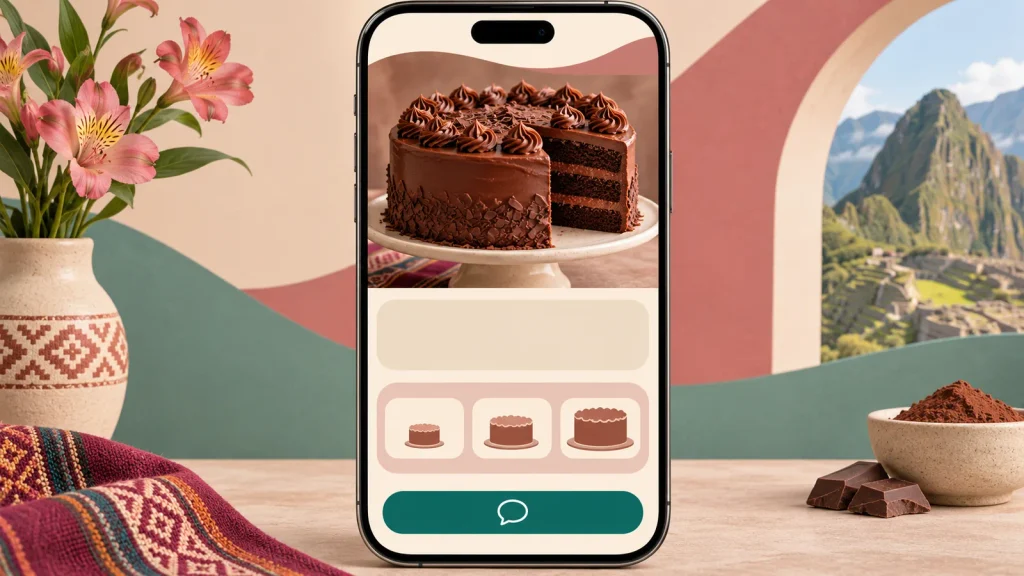
Your first website doesn’t need many sections. It does need to answer the questions someone might have before contacting you.
Depending on your business, include:
- A clear offer: what you sell, who it’s for, and what customers can expect.
- Products or services: their features, scope, and important conditions.
- A price or next step: show prices where appropriate, or explain how to request a quote.
- Authentic photos and evidence: use your own images and testimonials that you can verify and have permission to publish.
- Visible contact information: explain how to reach you and what information you need to respond.
- Practical details: payment methods, service area, deliveries, or opening hours, if they affect the decision.
- A mobile-friendly experience: check that the text is readable and that buttons and forms work.
For example, if you make cakes to order, it may be helpful to list flavors, sizes, starting prices, required advance notice, and delivery areas. That way, someone who contacts you will have a clearer idea of what they can order.
To launch, prioritize the information that helps people understand your offer and take the next step. Animations, complex integrations, and features you won’t use yet can wait.
How Can You Attract Visitors and Turn Them Into Inquiries or Sales?
Once your website is live, it needs visitors to have opportunities to generate inquiries. Before investing in advertising, identify the channels your business already uses and what you can share through them.
Bring People in From the Channels You Already Use
Add your website link to the profiles you use, and share specific pages when they answer a particular need.
For example, if someone asks about a specific service, you can send them the page explaining what it includes and how to request a quote. If you showcase a product on social media, link to that product’s information when possible.
You can also include your website in commercial materials or share it with people who recommend your business. The idea is for the link to lead to information that is useful to the person receiving it.
Answer the Questions Your Customers Are Searching For
SEO involves, among other things, helping search engines understand your pages so they can show them to people looking for related information.
To start, write clearly about what you offer, where you operate when relevant, and which questions each page answers. Use natural language that your customers understand; you don’t need to repeat the same phrase in every paragraph.
If you repair laptops in Trujillo, for example, a service page could explain the problems you handle, how customers can request an assessment, and where to find you.
Publishing that page doesn’t guarantee a particular search position or immediate visits. Its usefulness also depends on demand, competition, and the work you do to make it known.
Make It Easy to Get in Touch and Prepare to Respond
Before asking someone to contact you, give them the information they need to decide whether your offer interests them. Then make it easy to reach you.
If you use WhatsApp, you can indicate what details help you respond. For a photography quote, these might include the date, district, and type of event. If you use a form, ask only for the information you need to continue the conversation.
Also decide who will respond and how they will follow up. An inquiry is an opportunity, but it still needs attention.
Fictional example: from a post to an inquiry
María makes desserts to order in Arequipa. She shares a photo of a cake on Instagram and adds a link to her website.
A potential customer visits the site and finds sizes, flavors, starting prices, required advance notice, and delivery areas. She wants to know whether a cake is available for a specific date, so she taps the WhatsApp button.
The message asks her to provide the date, size, and delivery area. María receives those details, confirms whether she can fulfill the order, and sends a quote.
In this example, the website helps answer questions before the customer gets in touch. The sale will also depend on availability, María’s response, and the customer’s decision.
How Much Does a Website Cost, and What Should You Check Before Creating One?
The cost depends on the type of website, its features, the content available, and who will create and maintain it. To compare proposals, ask each provider to specify what is included and for how long.
Initial and Ongoing Costs
Initial costs may include design or setup, writing, photography, uploading products, and training to manage the website.
Ongoing costs may include:
- Domain renewal.
- The platform or hosting where the website runs.
- Maintenance and backups.
- Any additional services or tools you subscribe to.
- Payment processing fees, if you sell directly through the website.
- Promotion or content creation, if you decide to invest in them.
Not all proposals include the same services. One may include hosting for the first year, while another charges for it separately. Before comparing prices, check the scope and what you will have to pay afterward.
Access and Terms You Should Keep Control Of
Ask for the domain to be registered in the name of your business or its designated owner, and make sure you can access the account where it is managed.
Also agree on who will have administrator access to the website, where backups will be stored, and how you will recover access if you change providers.
Before hiring someone, ask:
- What does the project include, and how many revisions are covered?
- Who manages the domain, and when does it renew?
- Which payments will recur, and whose name will the accounts be under?
- What support is included, and for how long?
- Who creates the backups?
- Will I be able to update the content or move it if I change providers?
Keep the answers with your contracts, invoices, and access information.
How Can You Tell Whether Your Website Is Working?

Start by defining one main action. It could be receiving relevant inquiries, quote requests, bookings, or orders.
Then review what happens at each stage. You don’t need to draw conclusions from just a few days of information: collect data over a period that makes sense for how often your business makes sales.
| Situation | What to check first |
|---|---|
| There are few visits | Whether you’re sharing the page, whether the links work, and which channels your customers could use to find you. |
| There are visits, but few inquiries | Whether the offer is clear, whether information needed to make a decision is missing, and whether the contact button or form works on a phone. |
| There are inquiries, but few sales | Whether you answer customers’ questions, whether the offer matches what they’re looking for, and whether the price, availability, and terms are clear. |
A click on WhatsApp doesn’t necessarily mean a conversation or a sale. Someone may also discover you on social media, look at your website, and contact you days later through another channel.
When appropriate, ask new customers how they heard about your business and record their answers. This information can help you understand their journey, although it won’t always allow you to attribute a sale to a single channel.
First Steps to Create a Website That Helps Your Business
- Define one main action. Decide whether you want to receive inquiries, quote requests, bookings, or orders.
- Choose the type of website. Look for an option that makes that action easy and that you can keep up to date.
- Gather the essential information. Prepare clear copy, photos, terms, and contact details.
- Publish and test it on a phone. Read the page and go through the process as a customer would.
- Share it through your existing channels. Direct each person to the information that will be useful to them.
- Review what you’ve learned. Look at visits, inquiries, and sales, then improve the area that needs it most.
Before choosing a platform or requesting a quote, define what you want visitors to do and what information they need to make a decision. That answer will help you start with a website that is useful to your business and your customers.
Leave a Reply